Features
The full WCONLINE feature set
Developed specifically for education, WCONLINE provides a comprehensive feature set designed for straightforward center administration.
Scheduling and appointments
Seamless Student Appointment Bookings
Students can book appointments at a glance, or quickly drill-down through lists of subject areas, classes, locations, available meeting times, and available meeting types to find the appointment that best meets their needs. They can also easily change or modify their own appointments based on parameters you pre-define. The appointment search display allows students to easily search for sessions based on their availability and subject of interest to find available matches on the schedule. Alternatively, they can also choose to view the schedule in a calendar display to capture a bird’s eye view of all availability at your center.
Students can be limited to a specific number of appointments per day, per week, per month, or across the entire schedule, and students with specific learning accommodations can be exempted from these limitations. Additionally, a client’s ability to make appointments can be temporarily disabled based on a defined number of accrued no-shows and late cancellations.
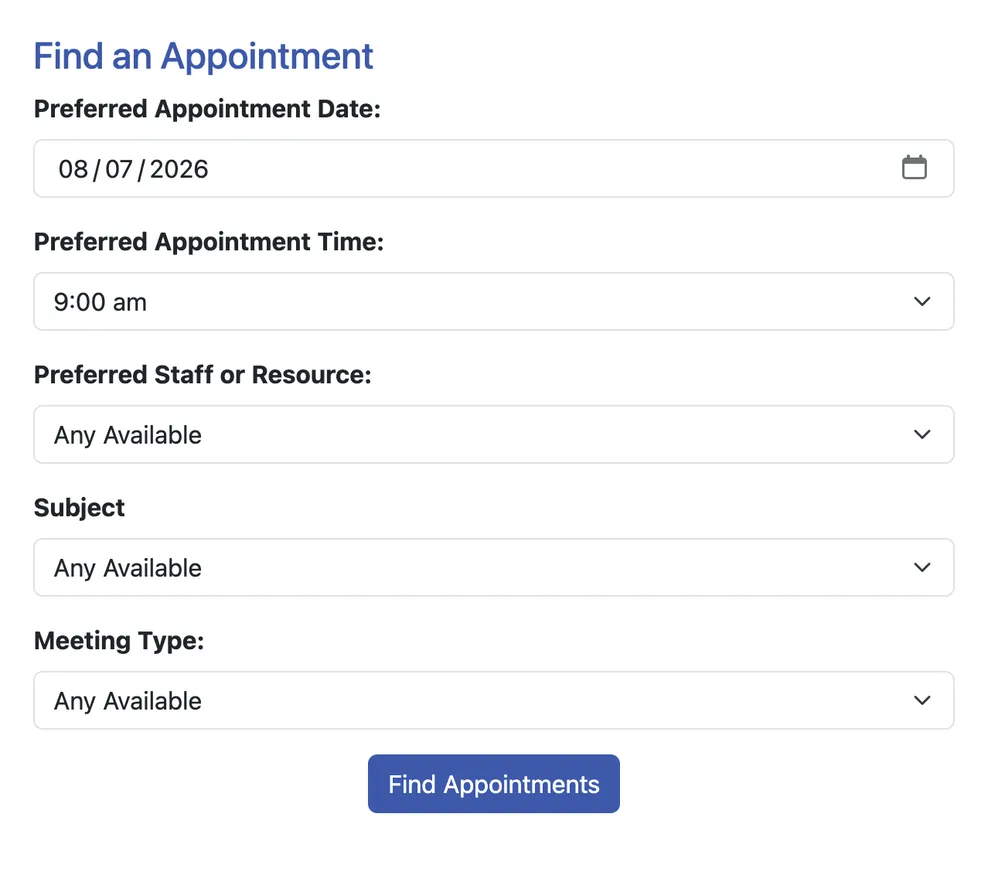
Group Meetings and Drop-In Sessions
Multiple students can sign up for a single appointment slot (as might be needed for a group assignment, workshop, or event scheduling). Administrators have the option to send a single post session report to all attendees of the session from within the platform. Clients can also sign up for walk-in slots only at the current time, allowing walk-in or drop-in centers to manage their availability and get the records that they need.
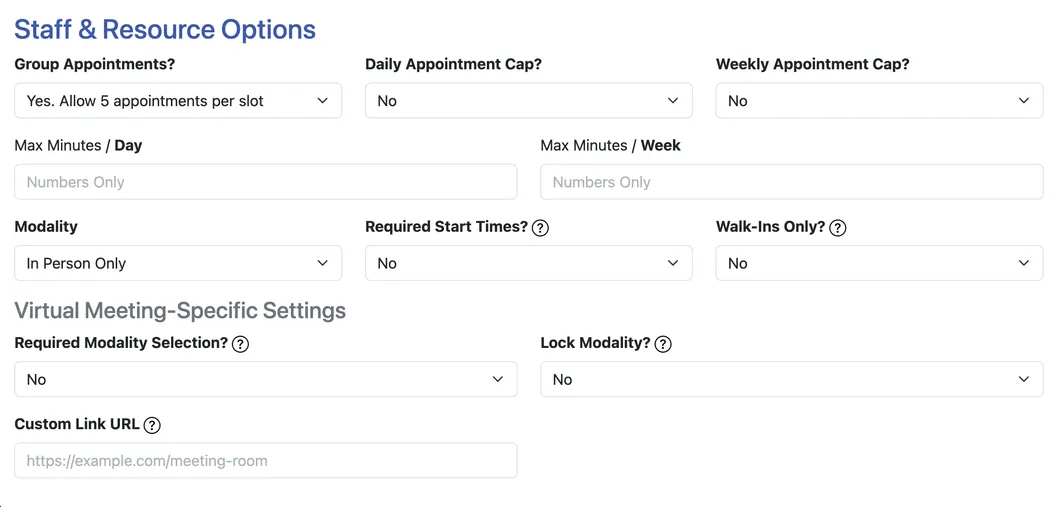
Asynchronous Appointment Configuration
For asynchronous appointments, clients and administrators can upload and share documents through the system, allowing staff to provide feedback remotely. Administrators can easily upload drafts with comments to a student’s appointment and email them from within the system.
Limits can be set on a system-wide, or tutor specific basis to ensure none of your staff are inundated with excess papers to review. Asynchronous appointments provide a paper trail for the entire student engagement, start to finish, and help to avoid disjointed communications through email.
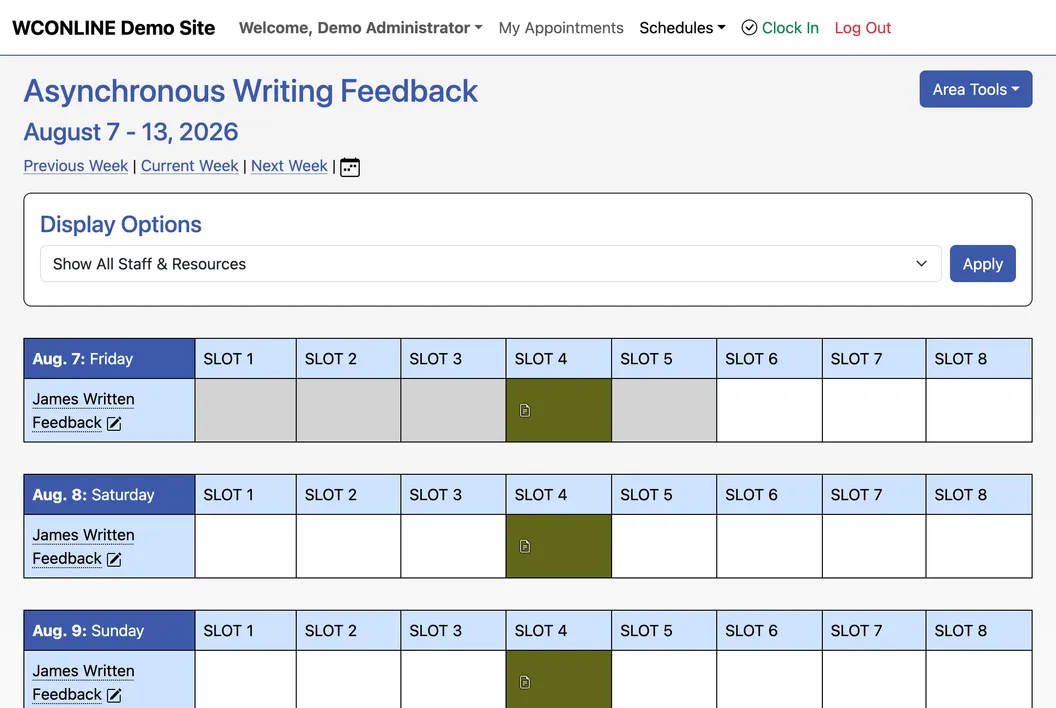
Card Reader and Kiosk Support
Students can check in and out for appointments easily using their university ID at a computer kiosk at your center. Administrators can also use this system with our time clock feature to track and gather data about students visiting the center for non-appointment related activities such as special events or for studying.
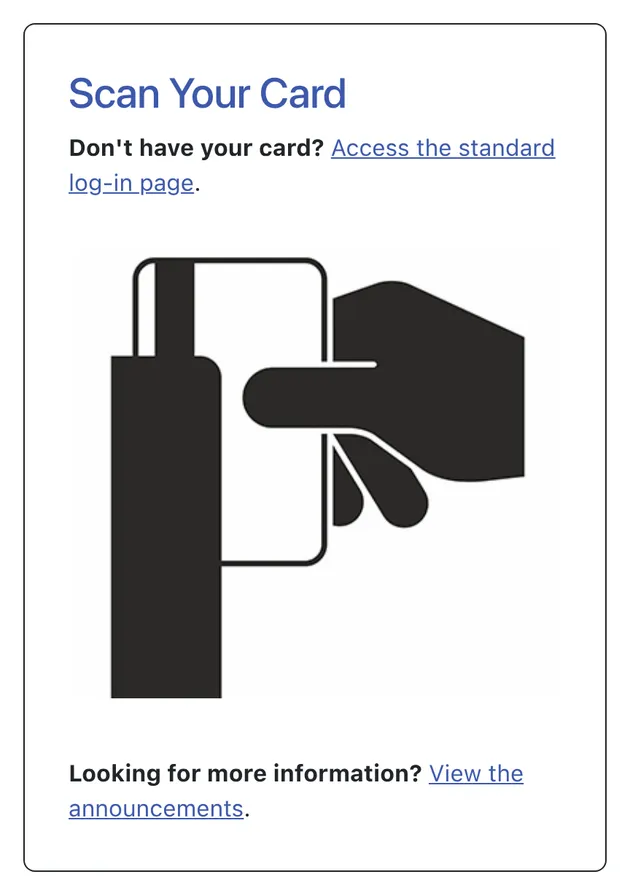
Meetings and communication
Virtual Meeting Spaces
If configured by an administrator, students can make an appointment in multiple modalities such as in-person, asynchronous, or real time synchronous, broadening access to a center’s services.
The included synchronous Online Consultation Module allows clients and staff to meet online using video, audio, and text chat, screensharing, math and drawing tools, and a collaborative whiteboard. The Module allows for drafting and revision in real time, and saves changes made during the session so that a student can return and review what they learned, or an administrator can view what occurred in the session afterwards.
WCONLINE also integrates with third party meeting platforms such as Zoom, Teams, Google Meet, Webex, or any other virtual meeting space you choose. Individual tutors can configure their own preferred virtual meeting space for their synchronous sessions.
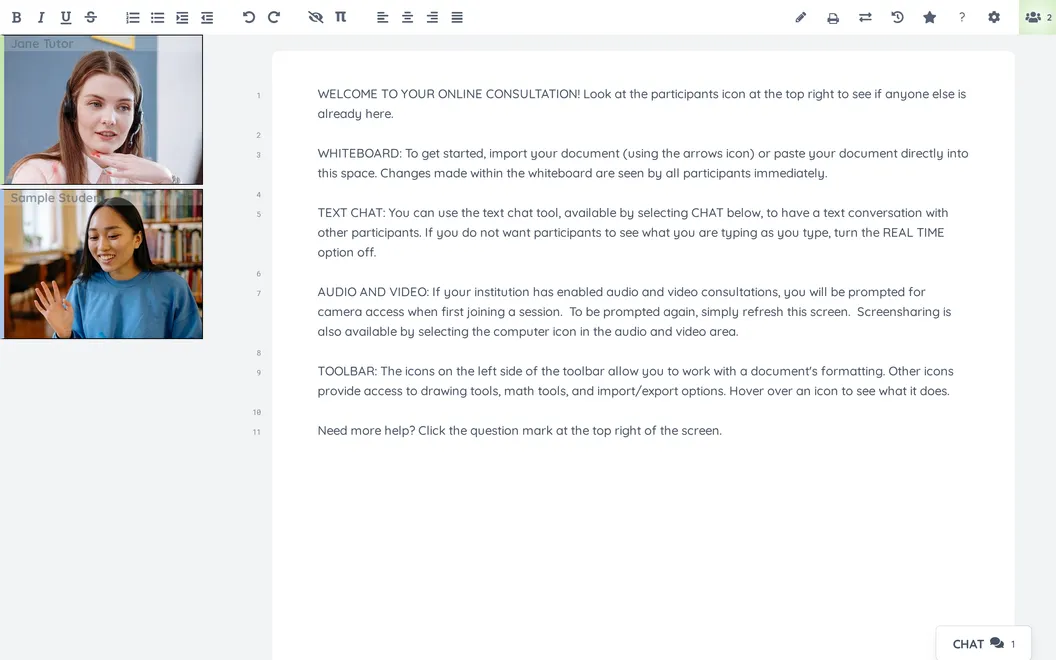
Student Outreach and Communication Tools
Students and staff can receive customized appointment confirmation messages via email or text when an appointment is made, modified, or canceled. Reminders ensure that clients remember their appointments (or have the opportunity to cancel as needed). Clients will also receive waiting list emails and texts whenever an appointment opens for a time, resource, or focus that they need.
WCONLINE’s mass email tool allows you to market special events and services to registered users of the platform, or send urgent messages about a closure or cancellation at your center to a segment of clients.
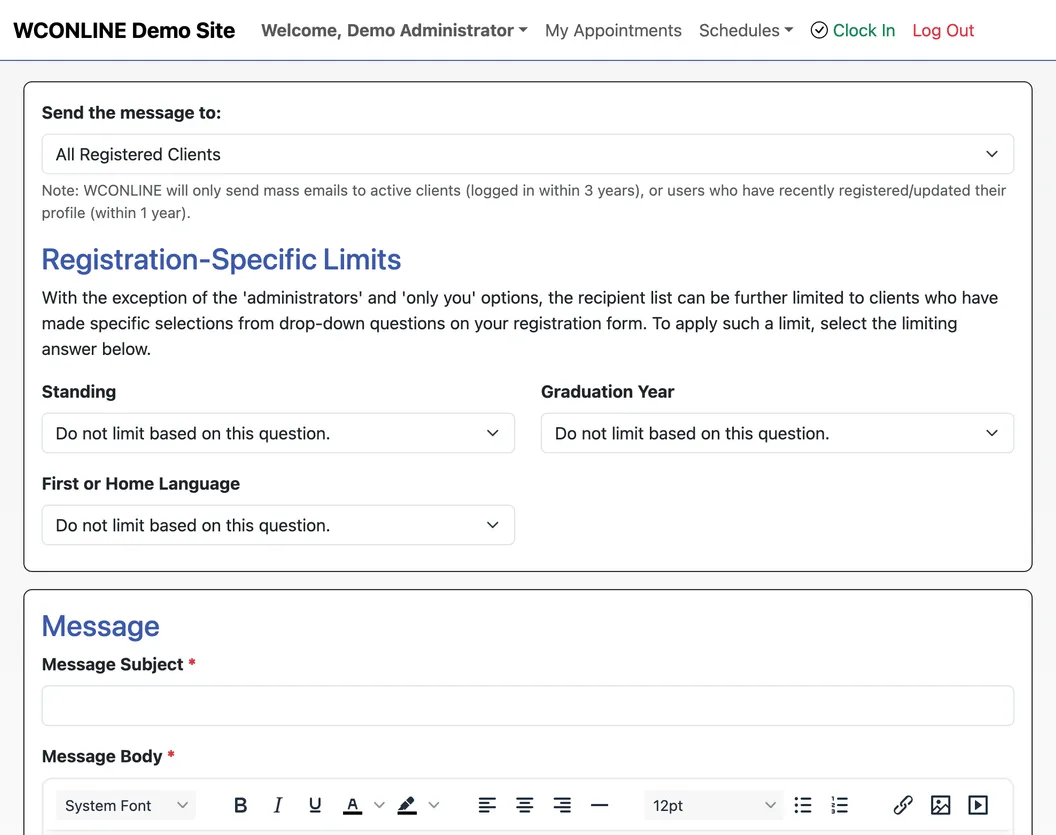
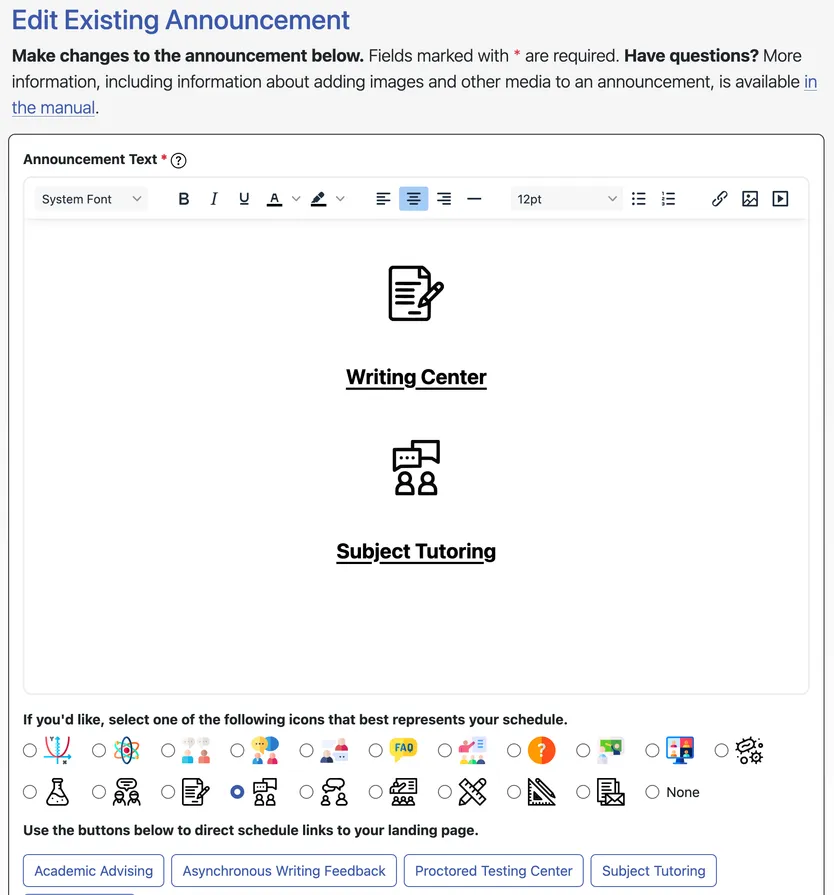
Customizable Intake Forms and Student-Facing Announcements
WCONLINE’s announcement feature allows each center to maintain a webpage that’s as easy to customize as a PowerPoint slide, without needing assistance from institutional IT.
Administrators can help students reflect and prepare for their upcoming sessions by creating a custom appointment form for each of their schedules. Administrators define the questions and answer types allowed on all forms, and can set up different questions for different schedules. WCONLINE supports optional or required fill-in, large fill-in, checkbox, multiple checkbox, drop-down, and Likert answers.
Administrators can also create their own text, image, and video-based announcements on the login or schedule pages to introduce students to their services, inform them about policies, or explain processes at their center.
Mobile Friendly Platform
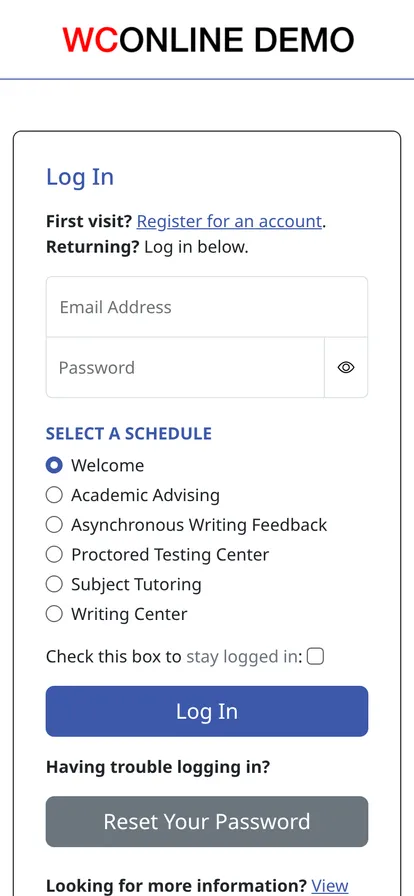
WCONLINE is fully mobile friendly. Every student and administrative feature is accessible from a mobile phone, without the need to download a mobile application. WCONLINE's built-in virtual meeting platform is also mobile friendly and allows for video consultation and collaborative document sharing directly from the mobile browser.
Data and reporting
Data Collection and Reporting
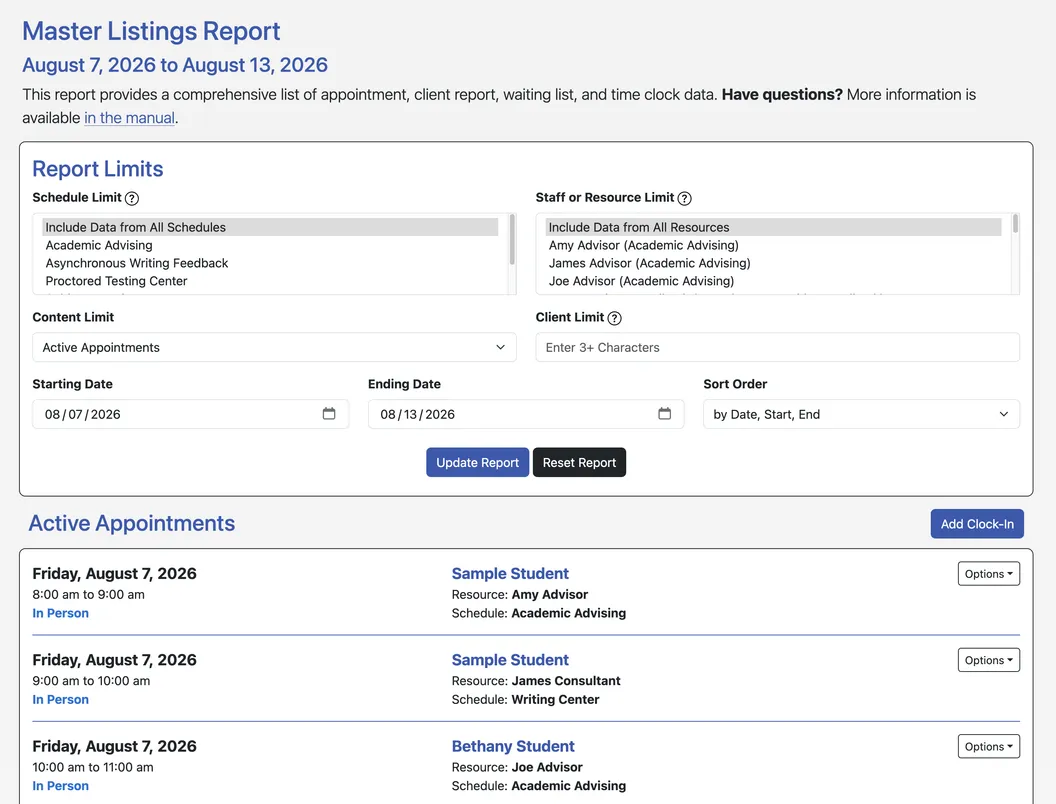
All data collected in WCONLINE is immediately available to administrators within the included reports. The System Statistics report provides counts of all appointments and clients served within a given timeframe and can be further broken down by individual schedule, resource, and/or day/time of the week and even class standing. The System Utilization report enables administrators to make quick staffing decisions based on a center's utilized or filled time, and open time.
Additionally, the Master Listings Report provides text-based access to all datasets within the program, and all of those datasets are instantly exportable as spreadsheets. Data can also be exported, via the included System Data Export to Excel, and accessed via the included API, allowing easy integration with existing websites and client management systems. The system also allows for custom data export in one step, allowing administrators to capture data such as what courses or disciplines are driving a center’s traffic or the most common questions or concerns from students in sessions.
Integration with Campus Retention Platforms
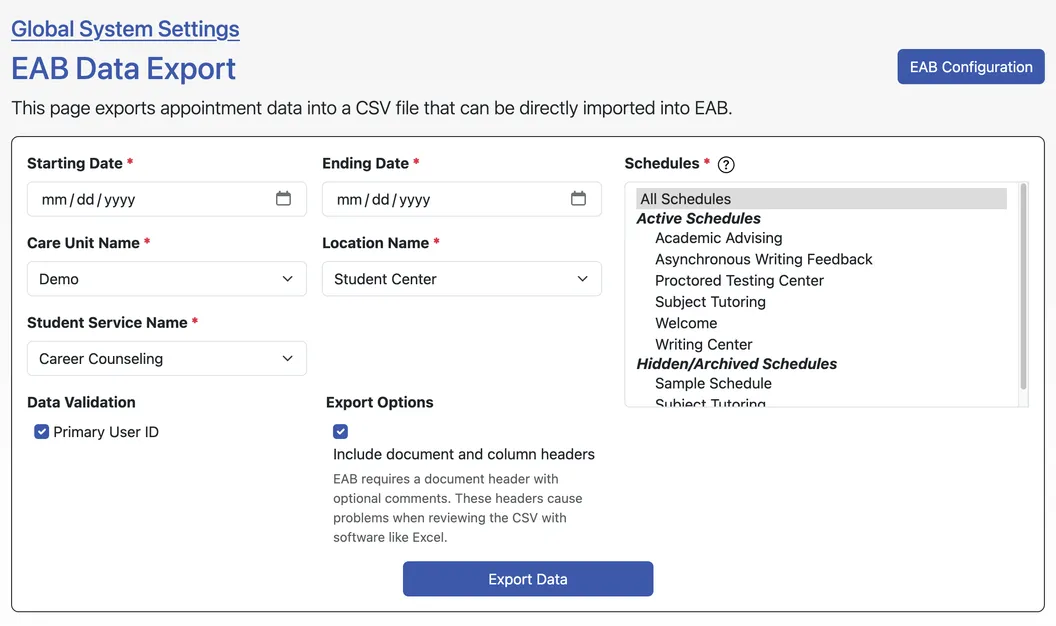
WCONLINE appointment data can be easily mapped onto a campus-wide platform such as EAB Navigate or Salesforce that is used to track student retention or academic standing. Administrators can share how their center is contributing to overall student GPAs and success rates or how they are supporting students on academic probation or at-risk of dropping out.
Even if there is a custom data warehouse used on campus, we will assist in automatically transforming the data that’s exported from WCONLINE so it can be integrated.
Platform, security, and support
All-In-One Student Management Platform
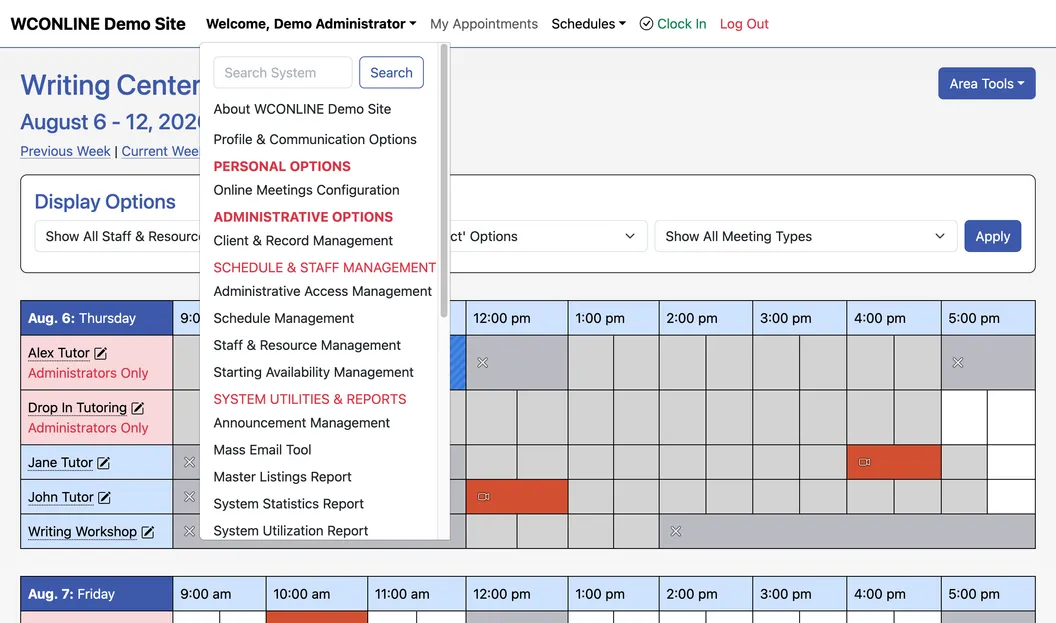
Each center administrator can manage scheduling and data tracking through their own unique web based app. Administrators can configure all tutor schedules within the platform, and manage student virtual, asynchronous, and in-person scheduling within the platform. All appointment data is immediately tracked and available to be viewed or downloaded for reporting purposes. Administrators have full access to records of past appointments through the system including reviewed documents, changes made to drafts during synchronous sessions, and post session notes.
Single Sign On Integration
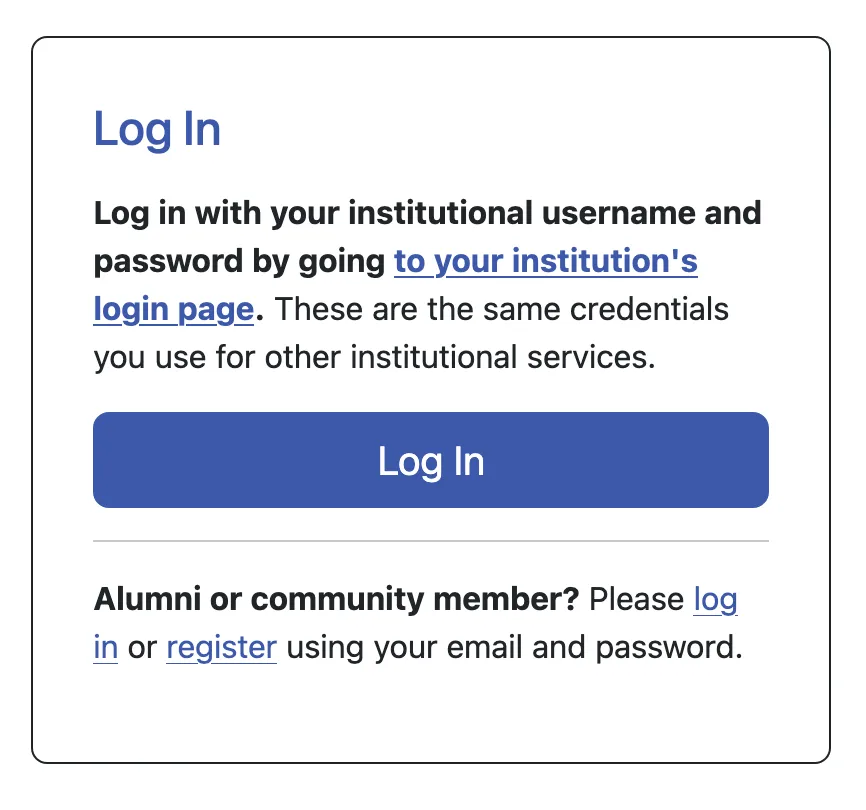
SAML single-sign-on integration not only allows clients to log in to WCONLINE with institutional credentials, but also allows registration and appointment form data to be replaced with live data from an institution's data warehouse. WCONLINE provides full technical support to a school’s IT team in configuring Single Sign On for the site.
Data Security
Securing the data you share with WCONLINE and protecting the privacy of your students and staff is our first and foremost priority. WCONLINE takes tremendous measures to secure your data, and we review our security practices regularly against modern best practices. Our security practices are thoroughly documented in our HECVAT, which is available to customers and prospective customers on request.

Unlimited Customer Support
We take tremendous pride in offering a support experience that is truly best in class. When you sign up, a WCONLINE Customer Success Manager will help you configure your site top to bottom, and are available for unlimited configuration calls and check-ins throughout your time with us. We respond to support requests within a few hours, and are available for same day phone calls or zoom calls to offer assistance on any aspect of configuring your WCONLINE site. Also, if requested, we work with institutional IT teams to help set up special features for your site such as integrations with campus student management platforms.
We also provide a continually updated video library of tutorials to support your use of the platform and for training center staff.
Get started
Interested in a trial?
Take a thirty-day, no-risk trial, or book a live walkthrough with one of our specialists.
30-day no-risk trial
What to expect during your 30 days:
- Your site is live within 24 hours.
- A solution expert configures it alongside you.
- Decide to stay and the same site goes to production, with no configuration lost.
We'll have it set up for you within 24 hours.
Book a live demo
A video walkthrough with one of our experts, built around your questions:
- Work directly with a solution specialist.
- See WCONLINE demonstrated the way your center actually operates.
- No slides, no fluff. Just the platform.
Or watch our for a quick overview.